Parents Deserve Visibility
Bridge the school-home gap with real-time activity, safety alerts, and parental controls.
Questions every parent asks. Until now, no answers.
Parents are in the dark
of parents want visibility into school device usage
say their school doesn't provide any monitoring tools
more likely to engage when they have a parent app
Everything parents need, nothing they don't
Powerful visibility and controls wrapped in a simple, beautiful app that any parent can use.
Parent Mobile App
Everything in your pocket
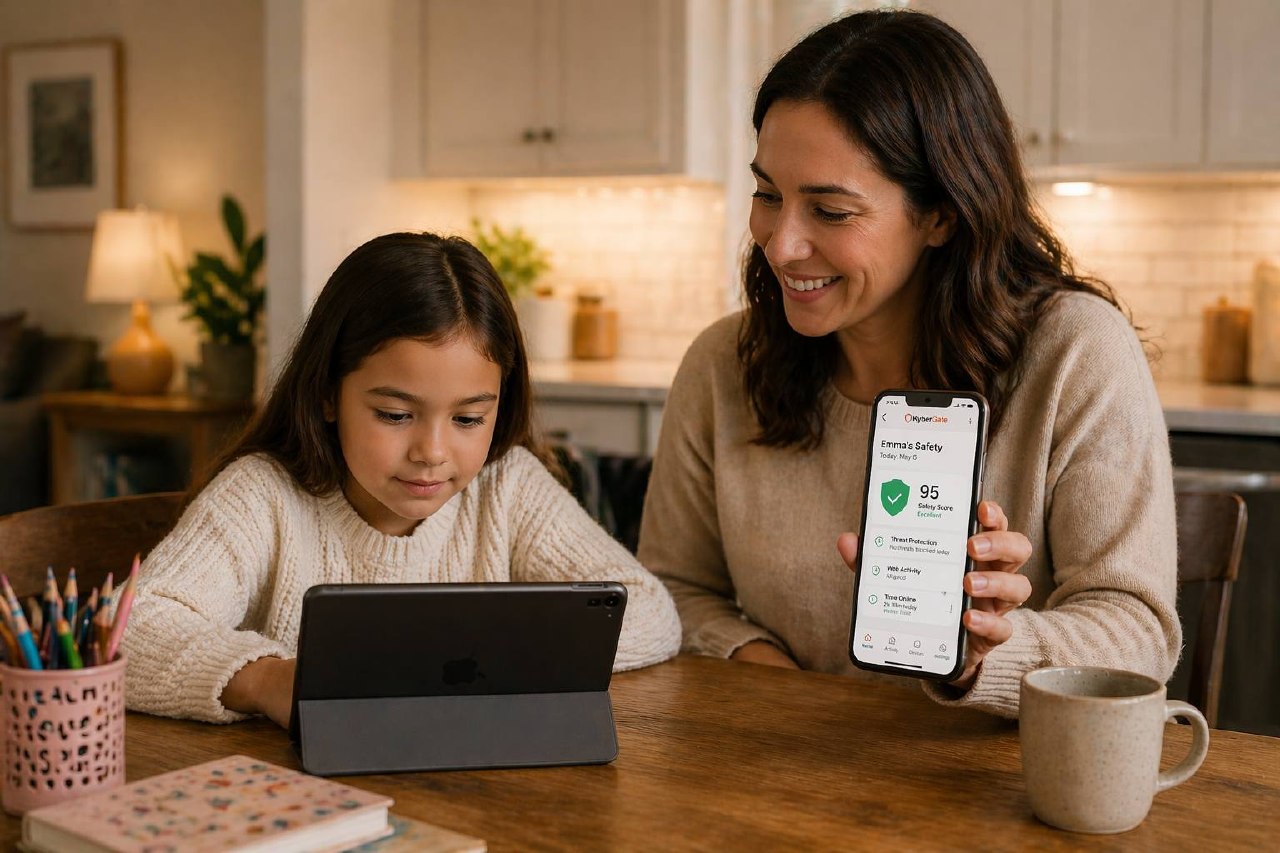
A beautiful, intuitive iOS app that gives parents real-time visibility into their child's school device. See what they're browsing, check screen time, and take action — all without calling IT.
Emma's Chromebook
Goal: 4 hours
khanacademy.org
Education
docs.google.com
Productivity
youtube.com
Video
Pause Internet
Find Device
Safety Score
A single number for peace of mind
Each week, KyberGate calculates a safety score based on browsing patterns, blocked attempts, and content categories. Parents see at a glance whether their child is browsing safely — no technical knowledge needed.
Live Activity Feed
See browsing in real-time
A chronological feed of every site visited, every search made, and every blocked attempt — updating live throughout the day. Color-coded by category so parents can spot patterns at a glance.
classroom.google.com
Visited
coolmathgames.com
Blocked
docs.google.com
Visited
khanacademy.org
Visited
youtube.com/watch
Visited
tiktok.com
Blocked
quizlet.com
Visited
discord.com
Blocked
Push Notifications
Safety alerts that matter
Instant push notifications when concerning content is detected — self-harm keywords, dangerous searches, cyberbullying patterns. Plus daily summaries and game-blocking alerts. Parents are always in the loop.
🚨 Safety Alert
Emma searched for concerning content. Tap to review.
📊 Daily Summary
2h 34m screen time today. 94% safe browsing.
🎮 Game Blocked
coolmathgames.com was blocked on Emma's device.
Screen Time Charts
Data that drives conversations
Daily, weekly, and monthly screen time breakdowns with visual charts. See which sites consume the most time, set goals, and track trends. Data parents can actually use to have productive conversations with their kids.
Pause Internet
One tap. Full control.
Homework time? Dinner time? Bedtime? One tap to pause all internet access on your child's school device. Resume anytime. No IT involvement needed. Parents get the control they've been asking for.
Internet Active
Tap to pause · One-tap control
Parents Love KyberGate
Impact from districts using the parent app
0%
Parent Adoption
0+
Safety Alerts Sent
0/100
Avg Safety Score
<0 min
Setup Time
KyberGate Parent vs Competitors
The most complete parent app — included free, not as an expensive add-on.
| Feature | KyberGate | GoGuardian | Securly | Lightspeed | Hapara |
|---|---|---|---|---|---|
| Full HTTPS Inspection | |||||
| AI Content Classification | |||||
| Game Detection Engine | |||||
| Student Safety Alerts | |||||
| Classroom Management | |||||
| iPad Native Support | |||||
| Multi-Platform Coverage | |||||
| Included in Base Price |
Frequently Asked Questions
“Finally, an app that lets me see what my kids are doing on their school Chromebooks without being invasive. The safety alerts give me peace of mind, and pausing internet at bedtime is a game-changer.”
Jennifer Torres
Parent of 3 · Lincoln Elementary School
Bridge the School-Home Gap
Give parents the visibility and control they want — without compromising school IT policies. Free with every plan.