E-Rate Funding for Web Filtering: How Schools Can Save Up to 85% on KyberGate
A complete guide to using E-Rate funding to pay for web filtering in your school district. Learn how to apply, what's eligible, and how KyberGate's E-Rate SPIN number can save your district thousands.
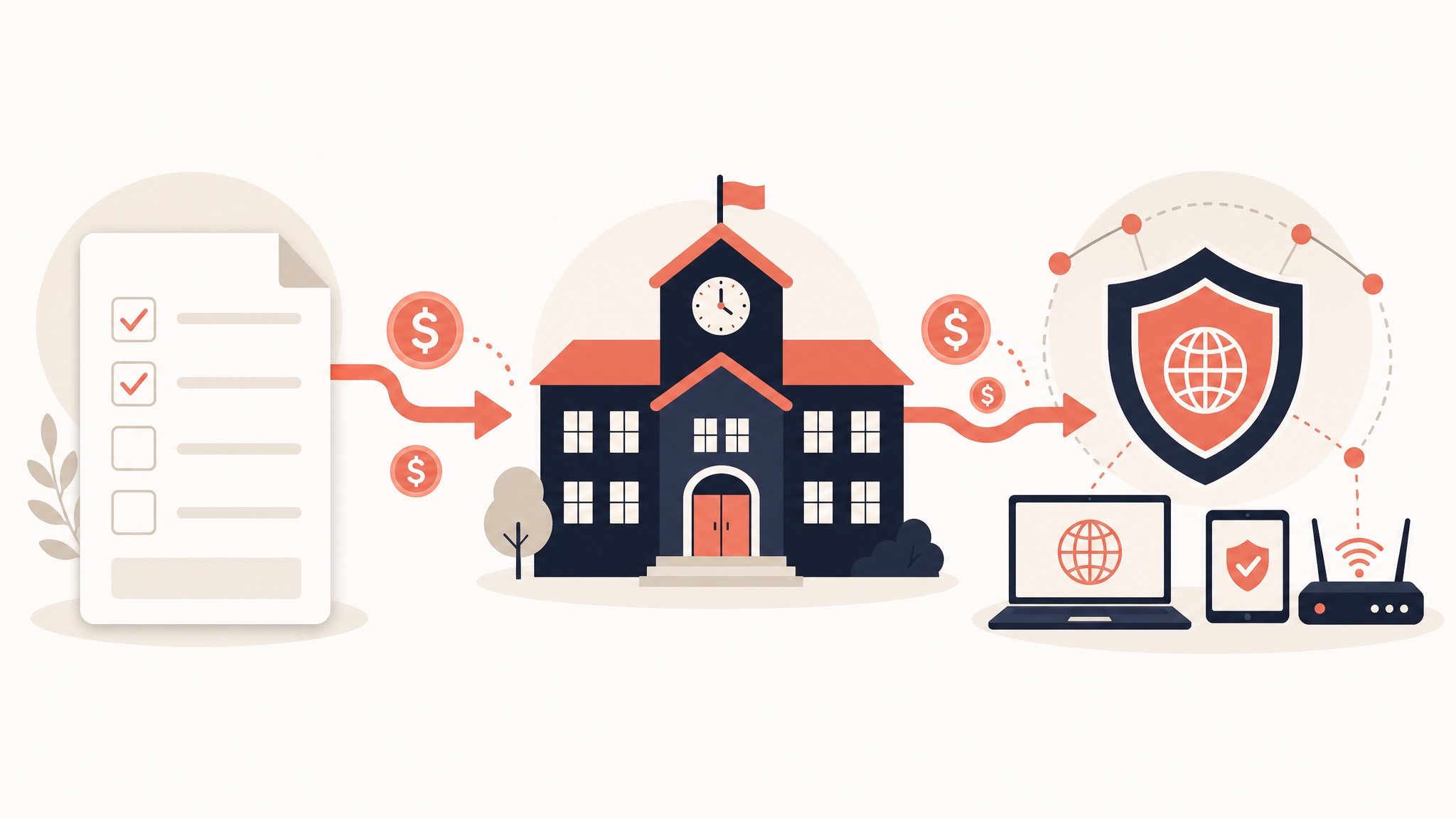
Every year, the federal E-Rate program distributes billions of dollars to help schools and libraries afford internet access and related technology. Yet many school districts leave money on the table by not applying for E-Rate discounts on their web filtering solution.
If your school pays for web filtering out of pocket, you might be eligible for 20–85% off — depending on your free/reduced lunch percentage.
This guide explains exactly how E-Rate works for web filtering, how to apply, and how KyberGate's E-Rate eligibility (SPIN: 143055219) can save your district thousands of dollars per year.
What Is E-Rate?
E-Rate is a federal program administered by the Universal Service Administrative Company (USAC), a division of the FCC. It provides discounts on telecommunications, internet access, and related infrastructure for eligible schools and libraries.
The program has two categories:
Category 1: Internet Access
- Internet service (ISP)
- Data transmission
- Voice services
Category 2: Internal Connections
- Networking equipment (switches, routers, access points)
- Cabling
- Content filtering / web filtering ← This is where KyberGate fits
- Managed internal broadband services
Key point: Web filtering falls under Category 2 as a managed service. CIPA-compliant web filtering is explicitly eligible for E-Rate funding.
How Much Can You Save?
E-Rate discounts range from 20% to 85%, based on your free/reduced price lunch percentage and whether your school is in an urban or rural area.
Discount Tiers
Under 1% free/reduced lunch
- Urban: 20% discount
- Rural: 25% discount
1–19% free/reduced lunch
- Urban: 40% discount
- Rural: 50% discount
20–34% free/reduced lunch
- Urban: 50% discount
- Rural: 60% discount
35–49% free/reduced lunch
- Urban: 60% discount
- Rural: 70% discount
50–74% free/reduced lunch
- Urban: 80% discount
- Rural: 80% discount
75–100% free/reduced lunch
- Urban: 85% discount
- Rural: 85% discount
Real-World Example
Let's say you're a mid-size school district with 3,000 student devices, 55% free/reduced lunch (80% discount), and KyberGate Pro at $9/device/year:
Without E-Rate: 3,000 × $9 = $27,000/year
With E-Rate (80% discount): 3,000 × $9 × 0.20 = $5,400/year
That's a savings of $21,600 per year — or $64,800 over a 3-year cycle.
For KyberGate Basic ($5/device/year) with the same discount, you'd pay just $3,000/year instead of $15,000.
Calculate your savings with our ROI calculator →
Is Your School Eligible?
Almost all public K-12 schools are E-Rate eligible:
- ✅ Public school districts
- ✅ Charter schools
- ✅ Private schools (with some restrictions)
- ✅ Libraries
- ✅ Head Start programs
- ✅ Tribal schools
Requirements:
- Must have a current USAC-approved technology plan
- Must comply with CIPA (Children's Internet Protection Act)
- Must file Form 470 (posting a request for competitive bids)
- Must file Form 471 (applying for discount)
CIPA Compliance: The Foundation
To receive E-Rate funding, your school must comply with CIPA. This requires:
- Internet safety policy adopted by the school board
- Technology protection measure (web filter) that blocks obscene content, child pornography, and content harmful to minors
- Monitoring of online activities of minors
- Education about online safety and cyberbullying
KyberGate satisfies all CIPA technical requirements — full content filtering, HTTPS inspection, activity monitoring, and compliance reporting.
For a detailed walkthrough: CIPA Compliance Checklist for K-12 Schools in 2026.
How to Apply for E-Rate: Step by Step
Step 1: File FCC Form 470 (October – January)
Form 470 is a public posting that tells vendors you're looking for services. It opens a 28-day competitive bidding window.
- Log into the USAC EPC Portal
- Create a new Form 470
- Under Category 2, select "Managed Internal Broadband Services" or "Basic Maintenance"
- Describe the service: "Cloud-based CIPA-compliant web content filtering for K-12 student devices"
- Submit and wait 28 days for the bidding window
Step 2: Evaluate Bids and Select a Vendor
After 28 days, review any bids you receive. You must select the most cost-effective solution — price must be the primary factor.
KyberGate's E-Rate credentials:
- SPIN: 143055219
- Service Provider Name: Kyber Systems LLC
- FCC FRN: 0038067187
Step 3: File FCC Form 471 (January – March)
Form 471 is your actual application for E-Rate discount. Specify which vendor you selected, the services requested, the cost, and your eligible discount percentage.
Step 4: Receive Funding Commitment Decision Letter
USAC reviews your application and issues a Funding Commitment Decision Letter confirming approval, discount percentage, and funding amount.
Step 5: Implement and File Form 486
Once approved, begin receiving the service (deploy KyberGate), then file Form 486 confirming you've started and certifying CIPA compliance.
Step 6: Invoice for Reimbursement
You can use either method:
- BEAR: You pay the full cost upfront, then file for reimbursement
- SPI: The vendor invoices USAC directly and you pay only your share
KyberGate supports both BEAR and SPI invoicing methods.
E-Rate Timeline at a Glance
July – September → Plan your needs, get budget approval
October – December → File Form 470, open 28-day window
January – March → File Form 471 application
April – July → USAC reviews, issues funding decision
July 1 → Funding year begins
October → File Form 486 (CIPA certification)
Ongoing → Invoice (BEAR or SPI) for reimbursement
Common E-Rate Mistakes to Avoid
Missing the Form 470 filing deadline. If you don't file on time, you can't apply for that funding year. Set calendar reminders.
Not waiting the full 28-day bidding window. You must wait 28 days after Form 470 before selecting a vendor. Selecting early disqualifies your application.
Choosing a vendor without a SPIN. Your web filtering vendor must be a registered E-Rate service provider. KyberGate's SPIN is 143055219.
Not documenting your vendor selection process. USAC can audit your application. Keep records of all bids and your cost evaluation.
Forgetting Form 486. Even after approval, you must file Form 486 to confirm CIPA compliance. Missing this can delay or cancel funding.
Not applying at all. The most common mistake is simply not applying. Even a 20% discount is significant on a multi-year contract.
Why KyberGate for E-Rate
KyberGate was designed with E-Rate compliance in mind:
- Registered service provider (SPIN: 143055219)
- CIPA-compliant content filtering with full HTTPS inspection
- Transparent, published pricing — no negotiation needed for Form 471
- Annual pricing ($5 or $9/device/year) — clean for E-Rate budgeting
- Supports both BEAR and SPI invoicing
- Activity monitoring and reporting for CIPA audit compliance
- Free pilot program — test before committing E-Rate dollars
Learn more about KyberGate's E-Rate program →
Get Help With Your E-Rate Application
If you've never applied for E-Rate before, it can feel overwhelming. KyberGate's team can help you identify your discount percentage, prepare Form 470 descriptions, provide SPIN and pricing documentation for Form 471, and set up invoicing.
Contact us or start a free pilot — we'll help you navigate E-Rate alongside your deployment.
If you need compliance docs in parallel, use the CIPA compliance checklist.
To estimate spend, review school web filtering pricing.
If you want procurement help tied to your timeline, request a demo.
Ready to protect your students?
Deploy KyberGate in under 30 minutes. No hardware required.
Request a Demo