How Students Bypass School Web Filters (And How to Stop Them)
From DNS over HTTPS to hidden VPN extensions and proxy sites, students are constantly finding new ways to circumvent school internet filters. Learn the top bypass methods and how modern AI-driven filtering can shut them down.
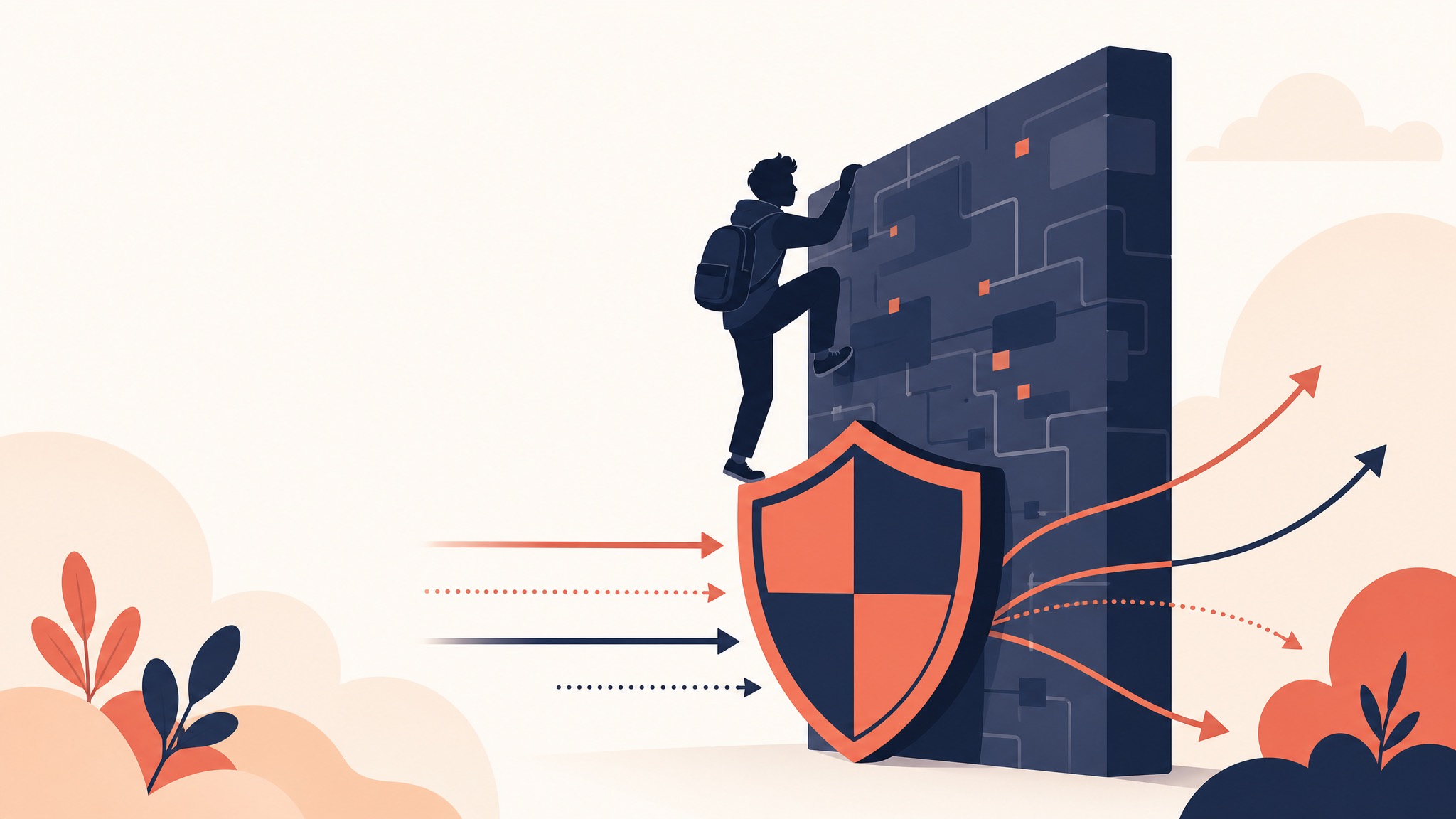
If you manage IT for a K-12 school district, you already know the truth: students are incredibly resourceful when it comes to bypassing school web filters. What starts as a simple attempt to play a game during study hall can quickly evolve into sophisticated methods for circumventing network security entirely.
Understanding how students bypass web filters is the first step in stopping them. In this comprehensive guide, we'll break down the most common bypass techniques used by students today and explain how modern, proxy-based filtering like KyberGate can close these loopholes for good.
1. The Classic: Web Proxy Sites
How it works: Proxy sites act as middlemen. Instead of going directly to a blocked site (like TikTok or a gaming portal), the student visits a proxy site (which isn't blocked yet) and types the desired URL into the proxy's search bar. The proxy fetches the content and displays it to the student, masking the final destination from the school's filter.
Why legacy filters fail: Legacy filters rely on static blocklists. Students share new proxy URLs on social media faster than IT administrators can manually add them to the blocklist. It becomes an endless game of whack-a-mole.
The Solution: Instead of relying purely on URL blocklists, modern filters need behavioral analysis and AI-driven categorization. KyberGate's Zero-Day Sandbox inspects unknown domains in real-time. If a new site exhibits proxy-like behavior, it is instantly categorized and blocked across the entire district before it can spread.
2. DNS over HTTPS (DoH)
How it works: Traditionally, DNS requests (translating a domain name into an IP address) are sent in plain text, making it easy for network-level filters to see where a student is trying to go. DNS over HTTPS (DoH) encrypts these requests, hiding the destination from the network administrator.
Why legacy filters fail: If a filter relies solely on monitoring DNS traffic on the local network, DoH blinds it. Browsers like Chrome and Firefox now support DoH, making this bypass easier than ever for students to enable.
The Solution: To counter DoH, filtering must happen beyond the DNS level. KyberGate uses a Smart PAC (Proxy Auto-Configuration) file deployed via MDM or Google Admin. This ensures that all web traffic is routed through our secure cloud proxy for full HTTPS inspection, regardless of the device's DNS settings.
3. VPN Apps and Chrome Extensions
How it works: Students download free Virtual Private Network (VPN) apps on their iPads or install VPN extensions on their Chromebooks. The VPN creates an encrypted tunnel between the student's device and an outside server, completely bypassing the school's filtering policies.
Why legacy filters fail: Many on-device filtering agents struggle to intercept traffic once a VPN establishes a secure tunnel. Furthermore, free VPNs constantly rotate their IP addresses and domains to evade detection.
The Solution: Your filter must proactively identify and block VPN protocols and known VPN endpoints. KyberGate maintains an actively updated database of over 60+ VPN services and proxy extensions. Additionally, because KyberGate operates as a forced proxy, attempts to establish unauthorized VPN tunnels are terminated at the network level.
4. Hosting Content on Trusted Platforms (Google Sites, Vercel)
How it works: Many schools must leave platforms like Google Sites, GitHub Pages, or Vercel unblocked for legitimate educational purposes. Students exploit this by hosting games, proxy scripts, or inappropriate content directly on these trusted domains.
Why legacy filters fail:
Because the base domain (e.g., sites.google.com) is trusted, basic URL filters allow the traffic through, ignoring the malicious or distracting content hosted on the specific page.
The Solution: This is where Full HTTPS Inspection is non-negotiable. KyberGate decrypts and inspects the actual content of the page, not just the URL. Our 8-Layer Game Detection Engine analyzes page structure, canvas fingerprinting, and keywords to detect hidden games on trusted domains, blocking the specific page without breaking access to the rest of Google Sites.
5. The Chrome Dino Game & Offline Bypasses
How it works:
When the internet is down, Google Chrome offers a simple dinosaur jumping game. Students have figured out that by typing chrome://dino, they can play the game even when connected to the internet.
Why legacy filters fail: Because this game is built into the browser and doesn't require network traffic to load, network-based filters can't see or block it.
The Solution:
KyberGate's Chromebook extension integrates directly with Google Workspace policies to restrict access to local browser URLs like chrome://dino, keeping students focused on instruction rather than offline distractions.
Conclusion: Move Beyond the Blocklist
The days of managing K-12 internet safety with a simple spreadsheet of blocked URLs are over. Students are too tech-savvy, and the internet evolves too quickly.
To truly secure your 1:1 device program, you need a solution that inspects encrypted traffic, utilizes AI for real-time categorization, and operates at the proxy level where it cannot be easily bypassed.
Start a free 30-day pilot of KyberGate today and see what your current filter is missing.
For funding planning, use this E-Rate funding guide.
For implementation details, see school web filtering pricing.
If you want a walkthrough with your environment, request a demo.
Ready to protect your students?
Deploy KyberGate in under 30 minutes. No hardware required.
Request a Demo