iPad Web Filtering Done Right: Why Proxy Beats DNS and On-Device Apps
Filtering iPads in K-12 environments is notoriously difficult. On-device apps break, and DNS filters are blind to content. Here is why KyberGate's MDM-deployed PAC proxy is the only reliable way to filter iOS devices.
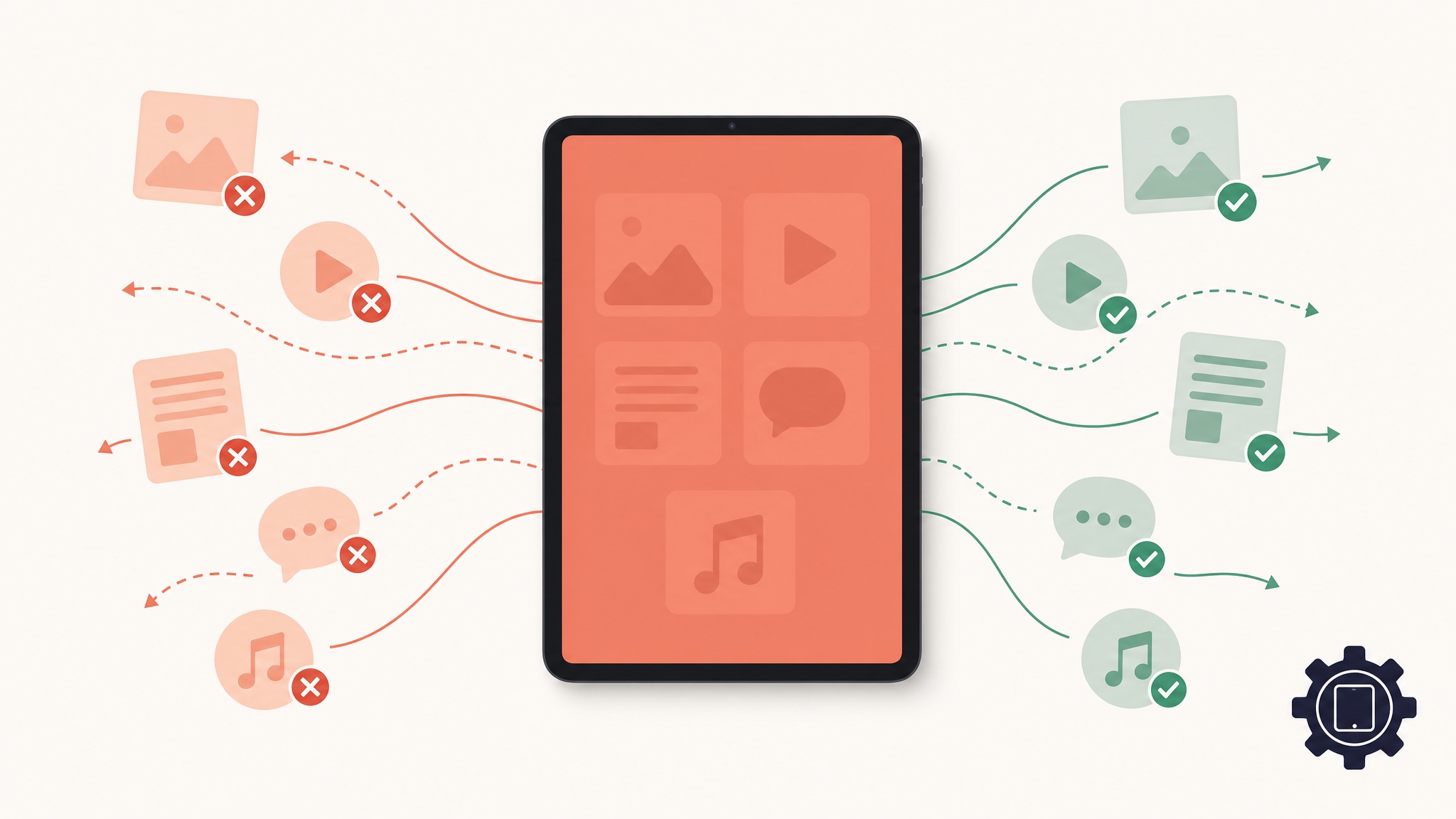
If your school district has a 1:1 iPad program, you already know the pain of trying to filter Apple devices.
Unlike Chromebooks, which are tightly controlled via Google Admin Console, iOS was originally designed as a consumer operating system. Apple's privacy-first approach makes it incredibly difficult for third-party software to intercept and inspect web traffic.
Most K-12 web filters try to solve this in one of two ways: DNS filtering or On-Device Apps. Both have massive flaws.
Here is why KyberGate chose a different path: The MDM-Deployed PAC Proxy.
The Problem with DNS Filtering
Many schools rely on DNS-level filtering (like Cisco Umbrella or basic Securly setups). When an iPad tries to visit google.com, the DNS filter checks if that domain is allowed.
The Flaw: DNS filters are blind to the actual URL path and the content of the page.
- If a student goes to
sites.google.com/view/unblocked-games, a DNS filter only seessites.google.com. It has to choose between blocking all of Google Sites (breaking legitimate classroom assignments) or allowing the whole domain (letting the games through). - DNS cannot inspect HTTPs traffic, meaning it cannot run keyword detection, safe search enforcement, or AI content analysis.
The Problem with On-Device Apps
Other vendors require you to push a filtering App to every iPad via your MDM. The app tries to set up a local VPN profile to filter traffic.
The Flaw: Students are incredibly resourceful.
- They figure out how to delete the app.
- They find ways to crash the local VPN profile.
- Every iOS update risks breaking the app's compatibility, leaving your entire fleet unfiltered until the vendor releases a patch.
The KyberGate Solution: Global HTTP Proxy
We built KyberGate to handle iPads natively. We don't use DNS, and we don't rely on fragile on-device apps.
Instead, we use a standard Apple configuration profile (.mobileconfig) deployed via your MDM (Jamf, Mosyle, Kandji, etc.). This profile configures a Global HTTP Proxy via a PAC (Proxy Auto-Configuration) file.
Here is why this is the gold standard for iPad filtering:
- Full HTTPS inspection: Traffic routes through the KyberGate cloud proxy. Because the MDM profile also installs our Root CA certificate, we can decrypt, inspect, and re-encrypt the traffic in milliseconds. We see the full URL path and the HTML content.
- Un-bypassable: Because the proxy is enforced at the operating system level via a supervised MDM profile, students cannot delete it, disable it, or bypass it with a VPN.
- No App Required: There is no app to crash or update. It relies on Apple's native, highly stable networking stack.
- Instant Game Detection: Because we inspect the content, our 8-Layer Game Engine can detect canvas fingerprinting and WebGL activity, blocking games hidden on Google Sites or Vercel instantly.
Deploy in 15 Minutes
Setting up KyberGate on your iPads takes less than 15 minutes. You download the configuration profile from your KyberGate dashboard, upload it to your MDM, and assign it to your devices.
The moment an iPad makes a web request, it auto-registers in your dashboard.
Stop fighting your iPads. Start a free 30-day pilot and deploy a filter that actually works on iOS.
For funding planning, use this E-Rate funding guide.
For implementation details, see school web filtering pricing.
Ready to protect your students?
Deploy KyberGate in under 30 minutes. No hardware required.
Request a Demo