The 'Hard' Conversations: How to Talk to Parents About Student Safety Monitoring
Monitoring student safety is necessary but sensitive. Learn how to communicate with parents about safety tools, privacy, and their role in the digital ecosystem.
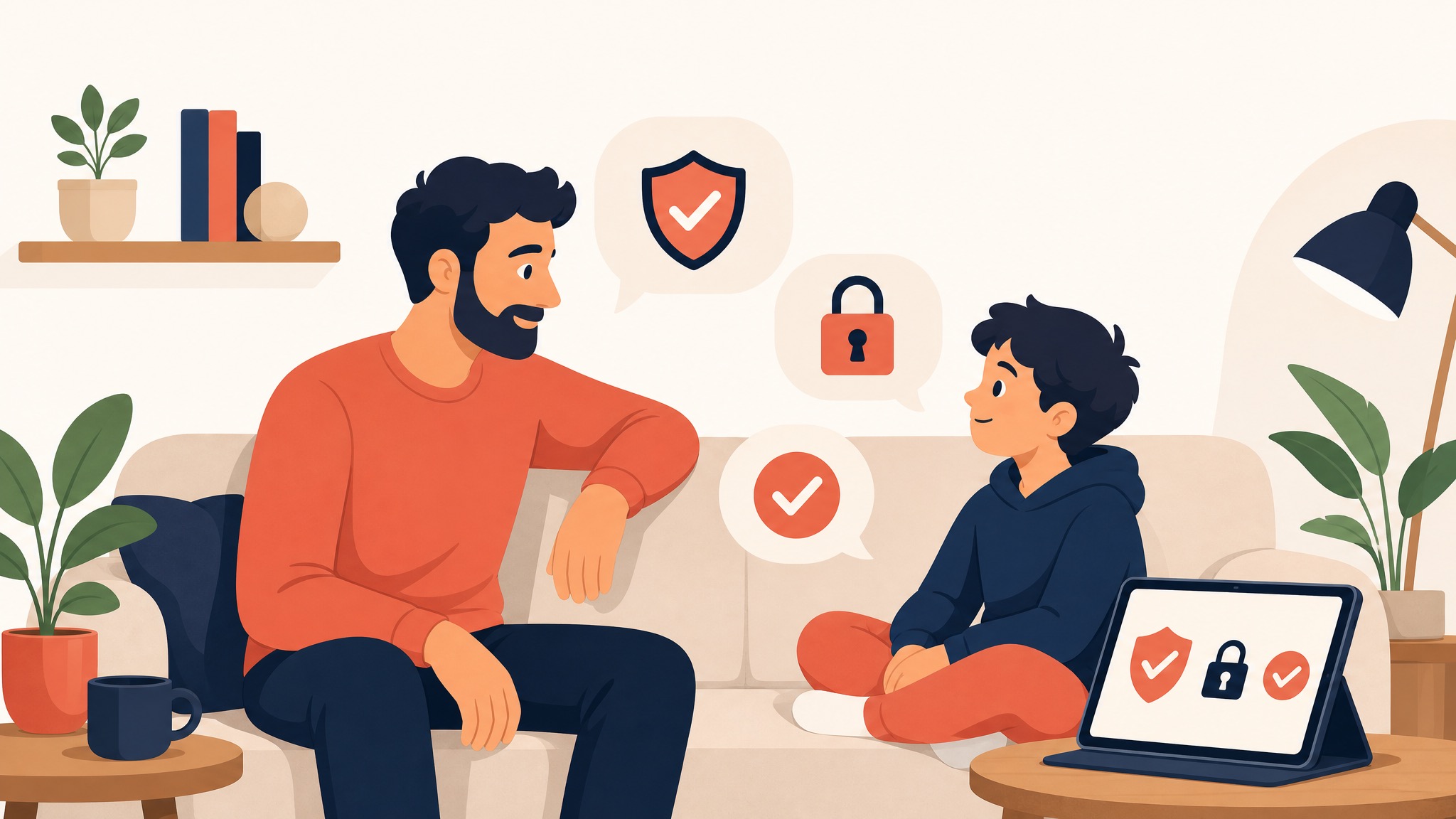
If you are a school principal, counselor, or IT Director, you know the phone call.
A parent has just discovered that the school’s web filter flagged their child’s private Google Doc. They are caught between two powerful emotions: Gratitude (that the school identified a potential safety risk) and Violation (that an algorithm—and potentially an adult—was 'reading' their child's private thoughts).
In 2026, student safety monitoring is no longer optional. With the rise of adolescent mental health crises and the speed of digital communication, schools have a moral and legal duty to identify warning signs of self-harm, violence, and cyberbullying. But implementing these tools is only half the battle. The other half is winning the trust of your parent community.
Communicating about student safety monitoring requires a delicate balance of transparency, empathy, and technical clarity. This guide provides a strategic framework for having these 'Hard' conversations and turning parent skepticism into parent partnership.
1. Frame the 'Why': Safety, Not Surveillance
The most important step in parent communication is defining the intent. If parents hear 'Monitoring,' they think 'Big Brother.' If they hear 'Safety Net,' they think 'Protection.'
The Strategic Framing:
- Surveillance is punitive: It’s about catching students doing something wrong and assigning consequences.
- Monitoring is protective: It’s about identifying students who are hurting and providing them with support.
The Message: "We don't monitor to catch students in trouble. We monitor because we know that students often express their pain digitally before they express it verbally. Our goal is to ensure that no student in our district has to suffer in silence."
2. Address the Privacy Elephant in the Room
Parents are rightfully concerned about who has access to their child's data. You must be specific about the technical safeguards in place.
Key Talking Points:
- No 'Human in the Loop' by default: Explain that 99.9% of student activity is never seen by a human eye. It is analyzed by an AI algorithm (Contextual NLP) that only alerts a counselor when a high-confidence threshold is met.
- Data Sovereignty: State clearly that the data is owned by the district, not the vendor. It is never sold to advertisers and is never used to train global AI models.
- Least Privilege Access: Only a handful of authorized personnel (typically school counselors and administrators) have access to the alerts. IT staff only manage the system; they don't 'browse' student files.
KyberGate's Privacy Advantage: Mention that KyberGate uses Private Inference, ensuring that sensitive data is processed in isolated containers, maintaining the highest levels of federal and state compliance.
3. The 'False Positive' Conversation: Managing Expectations
No safety tool is perfect. AI will sometimes flag a student's song lyrics or a creative writing assignment as concerning. You must prepare parents for this reality.
The Message:
"Our AI is designed to be highly sensitive. We would rather have our counselors check in on ten students who are doing fine than miss one student who is in real danger. If your child is flagged incorrectly, please view it as a 'System Check'—an opportunity for a positive connection between a student and a trusted adult."
4. Turning the Dashboard Over: The Parent Portal
Trust is built through transparency. Instead of keeping the safety data hidden, give parents a 'Window' into their child's digital life.
The KyberGate Parent Portal Strategy:
KyberGate’s Parent Portal is your best communication tool. It allows parents to see:
- Weekly Safety Trends: Is their child’s digital sentiment shifting over time?
- Category Breakdown: How much time is being spent on educational vs. social content?
- Self-Service Controls: Allow parents to set their own filtering rules (like 'Bedtime Mode') when the device is at home.
The Partnership: When you give a parent a dashboard, you are saying, "We aren't watching your child for you; we are watching with you."
5. How to Handle a 'Critical Alert' Call
The hardest conversation happens when a high-severity alert is triggered. How a staff member handles this initial call determines the outcome for the student and the relationship with the family.
Best Practices for Counselors:
- Lead with Empathy: "I'm calling because we care about [Student Name], and our safety system flagged some content that we'd like to talk about together."
- Be Collaborative: "We aren't here to discipline. We want to understand what's happening and how we can support [Student Name] both at school and at home."
- Provide the Evidence: Have the specific transcript or search query ready to share with the parent. Often, seeing the context helps the parent understand why the school is concerned.
6. Proactive Community Engagement (The 'Town Hall' Model)
Don't wait for a crisis to explain your safety tools. Host a 'Digital Safety Night' once a year.
Agenda for Digital Safety Night:
- Show the Tools: Demonstrate how KyberGate and KyberPulse work. Show a sample (anonymized) alert.
- Explain the Law: Briefly discuss CIPA, COPPA, and FERPA.
- Expert Panel: Have a school counselor, the IT Director, and a local law enforcement officer discuss the current digital threats facing teens (e.g., sextortion, viral challenges).
- Portal Onboarding: Help parents download the app and set up their accounts on the spot.
Conclusion: Building a Safety Alliance
In 2026, keeping students safe is a team sport. It requires the coordination of school staff, advanced AI, and—most importantly—informed parents.
By having these 'Hard' conversations proactively, addressing privacy concerns with technical clarity, and providing transparency through the KyberGate Parent Portal, you move from a state of 'Monitoring' to a state of 'Partnership.'
You aren't just deploying a filter; you are building a community of care that protects every child, every day.
Is your district ready to partner with parents on student safety?
Start a free 30-day pilot of KyberGate and invite your Parent Advisory Council to see the dashboard for themselves.
View our Digital Citizenship Roadmap for more on empowering students in the digital age.
#StudentSafety #K12IT #ParentEngagement #DataPrivacy #SchoolCounseling #EdTech #KyberGate #SchoolSafety #MentalHealth #ITAdmin #DigitalCitizenship
Ready to protect your students?
Deploy KyberGate in under 30 minutes. No hardware required.
Request a Demo