Securly vs. KyberGate: A Real Comparison for School IT Teams
Evaluating Securly for your school's web filtering? Here's a detailed, honest comparison with KyberGate covering filtering architecture, pricing, iPad support, student safety, AI monitoring, and classroom management.
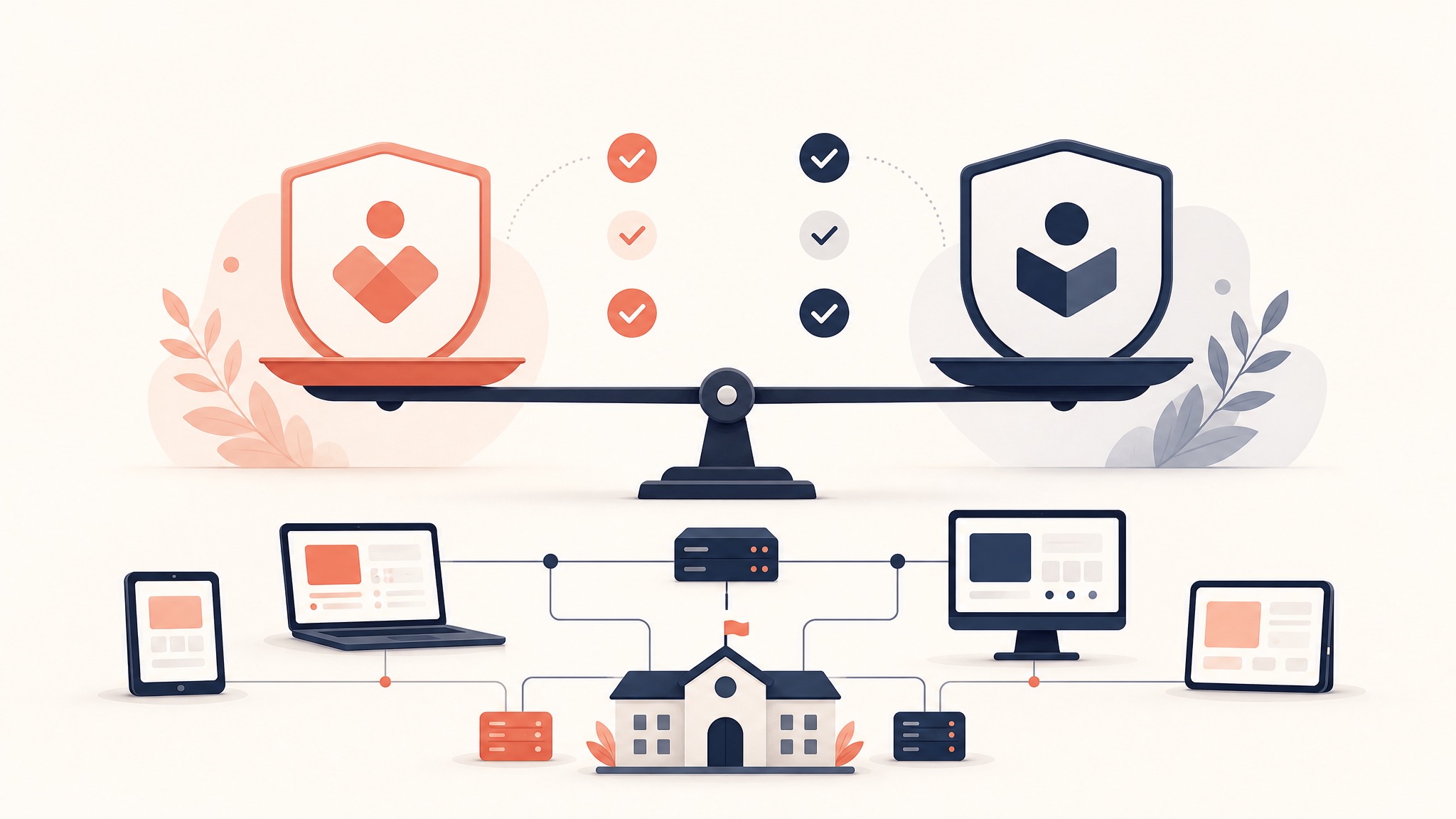
Securly is one of the fastest-growing names in K-12 web filtering. Founded in 2013, they've built a strong reputation with a cloud-first approach and a focus on student wellness. Their product suite includes web filtering, student safety alerts, classroom management, and parent engagement tools.
If Securly is on your shortlist, you're looking at a solid product. But depending on your specific needs — especially around iPad filtering, pricing transparency, and game blocking — there are meaningful differences between Securly and KyberGate worth examining.
How They Filter: Architecture Comparison
Securly Filter
Securly primarily uses DNS-based filtering combined with a SSL decryption certificate for HTTPS inspection. Their approach:
- Devices are configured to use Securly's DNS servers
- A Securly CA certificate is installed on devices for SSL inspection
- DNS queries are intercepted and filtered at the DNS level
- For deeper inspection, Securly uses a SmartPAC file or device agent depending on platform
Securly also offers a device agent (Securly Agent) for platforms where DNS filtering alone isn't sufficient, particularly for off-network filtering.
KyberGate
KyberGate uses full cloud proxy filtering with HTTPS/SSL inspection:
- A PAC file is pushed to all devices via MDM
- All web traffic routes through KyberGate's cloud proxy
- Every request is inspected in real-time at the proxy level — not just DNS queries
- Policies are enforced server-side with zero on-device processing
The Critical Difference
DNS filtering (Securly's primary approach) operates at the domain level. It can block entire domains but cannot inspect or filter specific pages, paths, or content within a domain.
Proxy filtering (KyberGate's approach) inspects the actual HTTP/HTTPS request — including the full URL path, request headers, and response content. This means KyberGate can:
- Block a specific page on a domain while allowing the rest
- Inspect actual page content for gaming, inappropriate material, or proxy bypass attempts
- Detect and block VPN/proxy tools embedded in otherwise-legitimate sites
- Analyze content on platforms like Google Sites where the domain is trusted but the content varies wildly
Example: A student creates an "unblocked games" page on Google Sites. DNS filtering sees the domain as
sites.google.com— a trusted educational domain — and allows it. KyberGate's proxy inspects the actual page content and blocks the specific gaming page while keeping Google Sites accessible for legitimate school projects.
For technical details: iPad Web Filtering Done Right: Why Proxy Beats DNS and On-Device Apps.
Pricing
Securly
Securly publishes some pricing information but requires contacting sales for full quotes. Their pricing model is generally:
- Securly Filter: Starts around $3–5/device/year for filtering only
- Securly 24: Their student safety monitoring product adds additional cost
- Securly Classroom: Classroom management is a separate add-on
- Full Platform: Bundling all products typically runs $8–15/device/year
Securly is known for competitive pricing, especially for filtering-only deployments. They're one of the more affordable options in the market.
KyberGate
Published at kybergate.com/pricing:
- Basic (web filtering + game blocking): $5/device/year
- Pro (+ student safety monitoring): $9/device/year
- Enterprise (5,000+ devices): Custom pricing
No hidden fees, no implementation costs, no surprise renewals.
Price Comparison
For filtering only, Securly and KyberGate Basic are in a similar price range ($3–5/device/year). The difference emerges in what's included at each tier:
Securly Filter ($3–5/device) includes DNS-based web filtering with SSL certificate deployment.
KyberGate Basic ($5/device) includes full proxy-based HTTPS inspection, AI-powered 8-layer game detection, real-time content analysis, and SafeSearch enforcement across all search engines.
For the full suite with student safety, KyberGate Pro at $9/device competes favorably with Securly's bundled pricing at $8–15/device.
Both are E-Rate eligible. KyberGate's SPIN is 143055219.
iPad and Device Support
Securly on iPads
Securly uses a combination of approaches for iPad filtering:
- DNS configuration pushed via MDM for on-network filtering
- SmartPAC file for more granular control
- Securly Agent app for off-network filtering
The challenge: iOS restricts what third-party apps can do. The Securly Agent runs in the background, which means battery consumption and potential conflicts with other VPN/networking profiles. DNS-only filtering (without the agent) works on-network but loses coverage when students take devices home.
KyberGate on iPads
KyberGate's proxy-based approach is purpose-built for iPads:
- Zero battery impact — no agent running on the device
- Full filtering on and off campus — the PAC file routes traffic through the proxy regardless of network
- Full HTTPS inspection — happens at the proxy level, not limited by iOS sandboxing
- Nothing to install — just a MDM configuration profile
- Nothing for students to disable — the proxy config is MDM-enforced and invisible to users
If you're running a 1:1 iPad program, this is likely the single most important differentiator. Read our complete guide: How to Set Up Web Filtering for a 1:1 iPad Program.
Chromebook support is solid on both platforms. Securly has deep Chromebook integration through Google Admin Console. KyberGate supports Chromebooks via a Chrome extension and PAC proxy configuration.
Student Safety and Wellness
Securly 24
Securly 24 is their student safety monitoring product, and it's one of their strongest offerings:
- 24/7 human review of flagged content by trained safety specialists
- Monitors online activity for signs of self-harm, violence, bullying, and cyberbullying
- Tip line for anonymous student reporting
- Integration with school counselors and administrators
- Established relationships with law enforcement for imminent threats
Securly has built a genuine strength in student wellness. Their human review team adds a layer of oversight that automated systems alone can't provide.
KyberPulse (KyberGate)
KyberPulse focuses on a different — and complementary — dimension of student safety:
- Google Workspace content scanning — monitors Docs, Gmail, and Drive
- NLP-powered analysis — understands context and intent, not just keywords
- 17 danger categories with 4 severity levels
- 40+ teen slang terms and coded language detection
- Automated alerting to designated school safety personnel
- Built into KyberGate Pro (no separate purchase)
The fundamental difference: Securly 24 monitors browsing behavior — what sites students visit and what they search for. KyberPulse monitors content creation — what students write in Google Docs, compose in Gmail, and store in Drive.
A student who writes a cry-for-help journal entry in Google Docs isn't generating any web browsing signals. That content lives inside a "trusted" Google domain that any browsing-based monitor would wave through. KyberPulse catches it because it's reading the actual document content.
For schools using Google Workspace (which is most K-12 districts), this content-creation monitoring fills a critical blind spot that browsing-based tools miss.
Read more: Beyond Web Filtering: How KyberPulse Keeps Students Safe.
Game Blocking
Securly
Securly uses category-based blocking with their website database. Gaming sites in their database are blocked when the "Games" category is restricted. They also support custom blocklists and allowlists.
Like all database-driven approaches, this works well for known sites but struggles with the "unblocked games" phenomenon — new proxy and mirror sites appearing faster than any database can track them.
KyberGate
KyberGate's 8-layer game detection engine is specifically designed to solve the "whack-a-mole" problem:
- Domain intelligence — 120+ known gaming domains as baseline
- Real-time content analysis — inspects actual page HTML and JavaScript
- Canvas fingerprinting — detects browser game rendering patterns
- Zero-day AI categorization — AI analyzes never-before-seen sites in real-time
- Search pattern recognition — catches gaming searches across all engines
- Viral spread detection — identifies sudden traffic spikes to unknown domains
- Hosted game detection — catches games on Google Sites, GitHub Pages, Vercel
- Chrome Dino blocking — disables offline browser games
If gaming is a top concern for your teachers and administrators (and it almost always is), KyberGate's approach catches games that database-driven filters consistently miss.
AI Features
Securly
Securly has been investing in AI capabilities:
- AI-powered categorization for website classification
- Securly Aware — AI-driven analysis of student online behavior patterns
- Predictive analytics for identifying at-risk students
KyberGate
KyberGate integrates AI throughout the filtering pipeline:
- Real-time AI content analysis at the proxy level — every request analyzed
- Zero-day site categorization using AI when a domain isn't in any database
- Behavioral game detection — AI identifies gaming patterns in unknown content
- NLP-powered safety monitoring via KyberPulse (Google Workspace scanning)
- AI Chat Monitor — tracks student usage of ChatGPT, Claude, Gemini, Perplexity, and Copilot with usage statistics and activity logging
- Student risk scoring — AI-powered 0–100 behavioral risk assessment per student
Both platforms are investing in AI. The difference is where the AI runs: Securly applies AI primarily to categorization and post-hoc analysis. KyberGate applies AI in the real-time filtering path — every request passes through AI analysis before reaching the student.
Classroom Management
Securly Classroom
Securly Classroom provides teachers with:
- Real-time student screen viewing
- Tab closing and site restriction
- Focus mode for specific lessons
- Student activity monitoring during class
KyberGate
KyberGate offers:
- Live screen monitoring across all student devices
- Push URLs to student browsers
- Focus mode with site-specific restrictions
- Device commands — lock, message, close tabs
- Session management with multiple classroom modes
Both products serve the same core need. Securly Classroom has broader adoption and more teacher-facing polish. KyberGate covers all essential features.
Parent Engagement
Securly Home
Securly offers a parent-facing app (Securly Home) that gives parents:
- Visibility into their child's online activity at school
- After-school filtering controls
- Screen time management
- Weekly activity reports
This is a genuine differentiator — Securly has invested more in the parent experience than most competitors.
KyberGate Parent Portal
KyberGate's Parent Portal provides:
- Safety score and activity overview
- Activity log of browsing history
- Category breakdown of content accessed
- Safety tips and resources
KyberGate's parent features are functional but less developed than Securly Home. If parent engagement is a top priority for your district, Securly has an edge here.
When to Choose Securly
Securly is the better fit if:
- ✅ You need 24/7 human safety review (Securly 24 is best-in-class)
- ✅ Parent engagement is a high priority for your district
- ✅ You're primarily a Chromebook district (deep Google Admin integration)
- ✅ You want the lowest possible price for basic filtering ($3–5/device)
- ✅ You need a tip line for anonymous student reporting
- ✅ You prefer a vendor with established K-12 relationships (since 2013)
When to Choose KyberGate
KyberGate is the better fit if:
- ✅ You have iPads or a mixed-device fleet (proxy architecture excels here)
- ✅ Battery life matters (zero on-device overhead)
- ✅ Game blocking is a constant battle (8-layer AI detection vs. database blocking)
- ✅ You need Google Workspace content monitoring (KyberPulse scans Docs/Gmail/Drive)
- ✅ You want full HTTPS inspection — not just DNS-level filtering
- ✅ You need to block specific pages on trusted domains (Google Sites, GitHub, etc.)
- ✅ You want transparent, published pricing with no sales calls
- ✅ You need AI Chat monitoring (tracking ChatGPT, Claude, Gemini usage)
Making the Decision
Both Securly and KyberGate are legitimate, capable platforms built by teams that care about student safety. The right choice depends on your specific priorities:
Choose Securly if human-reviewed safety alerts and parent engagement are your top priorities, and you primarily run Chromebooks.
Choose KyberGate if iPad filtering, game blocking, Google Workspace monitoring, and pricing transparency matter most.
Best option? Test both. Securly offers demos through their sales team. KyberGate offers a free 30-day pilot — no sales call, no credit card.
Put both on 20 devices. Compare for a week. Let your teachers and IT team tell you which one works better in your environment.
Ready to protect your students?
Deploy KyberGate in under 30 minutes. No hardware required.
Request a Demo